1.1 Getting Started with ReactJS
In this first ReactJS tutorial, you will first install create-react-app, the command line tool for scaffolding ReactJS applications. You will then use the tool to scaffold out a basic ReactJS application. We will thereafter develop this application into a full-fledged ReactJS application in the process of doing the exercises in this course. At the end of this tutorial you will be able to:
- Install create-react-app
- Scaffold out a basic ReactJS application
1.1.1 How to:
1. Download and install NodeJS (LTS version) from: https://nodejs.org OR update NodeJS:
- Windows: uninstall and install the latest version.
- MacOS: use the sudo command.
- Upgrade NPM: $ npm install npm --global
- Clean NPM cache: $ npm cache clean --force
- Install N package: $ npm install n --global
- Install NodeJS stable: $ n stable
2. Installing create-react-app: $ npm install create-react-app --global
3. Generating a ReactJS Project using create-react-app:
- create -react -app <project_name>
- cd <project_name>
4. Start coding:
- Select your favorite editor, like VSCode, Atom, Sublime Text, Vim, or Emacs,…
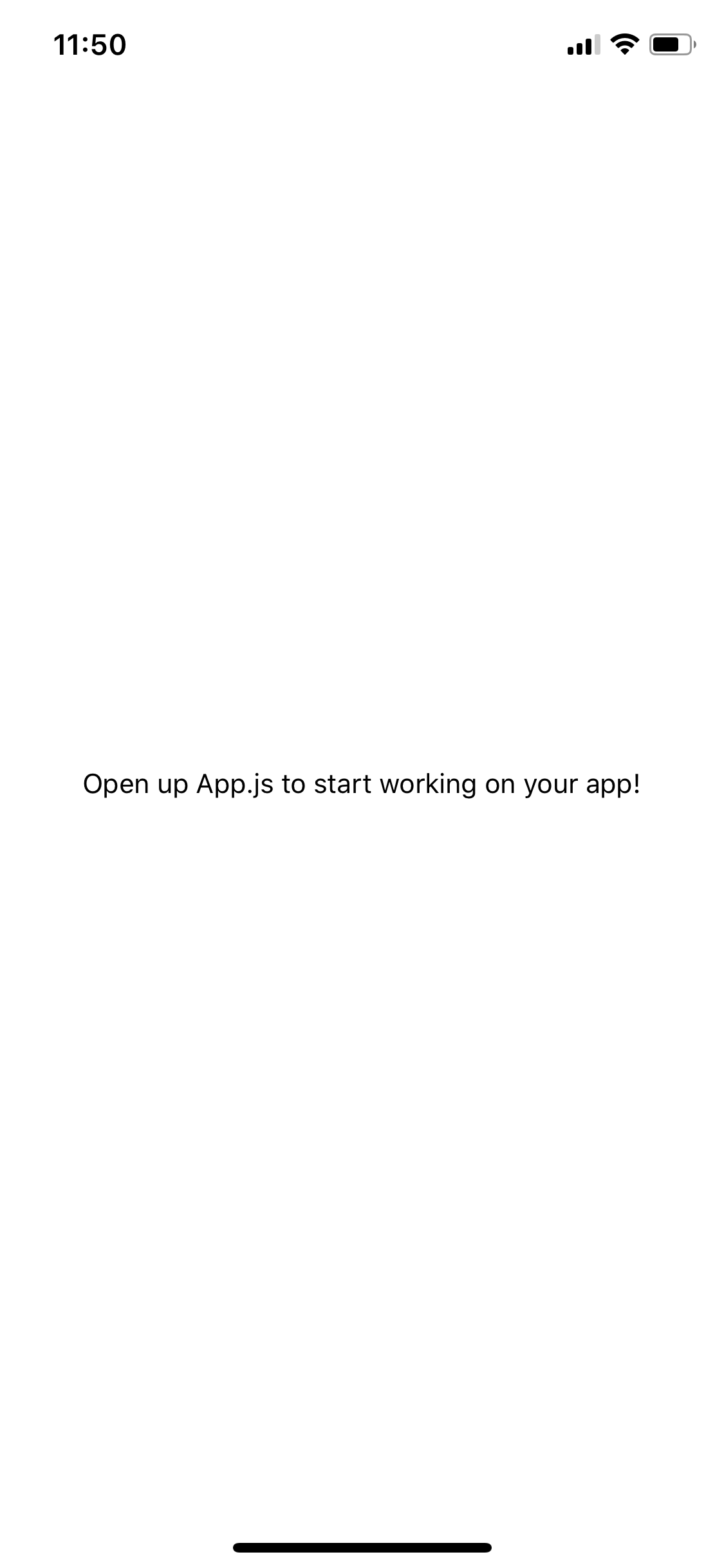
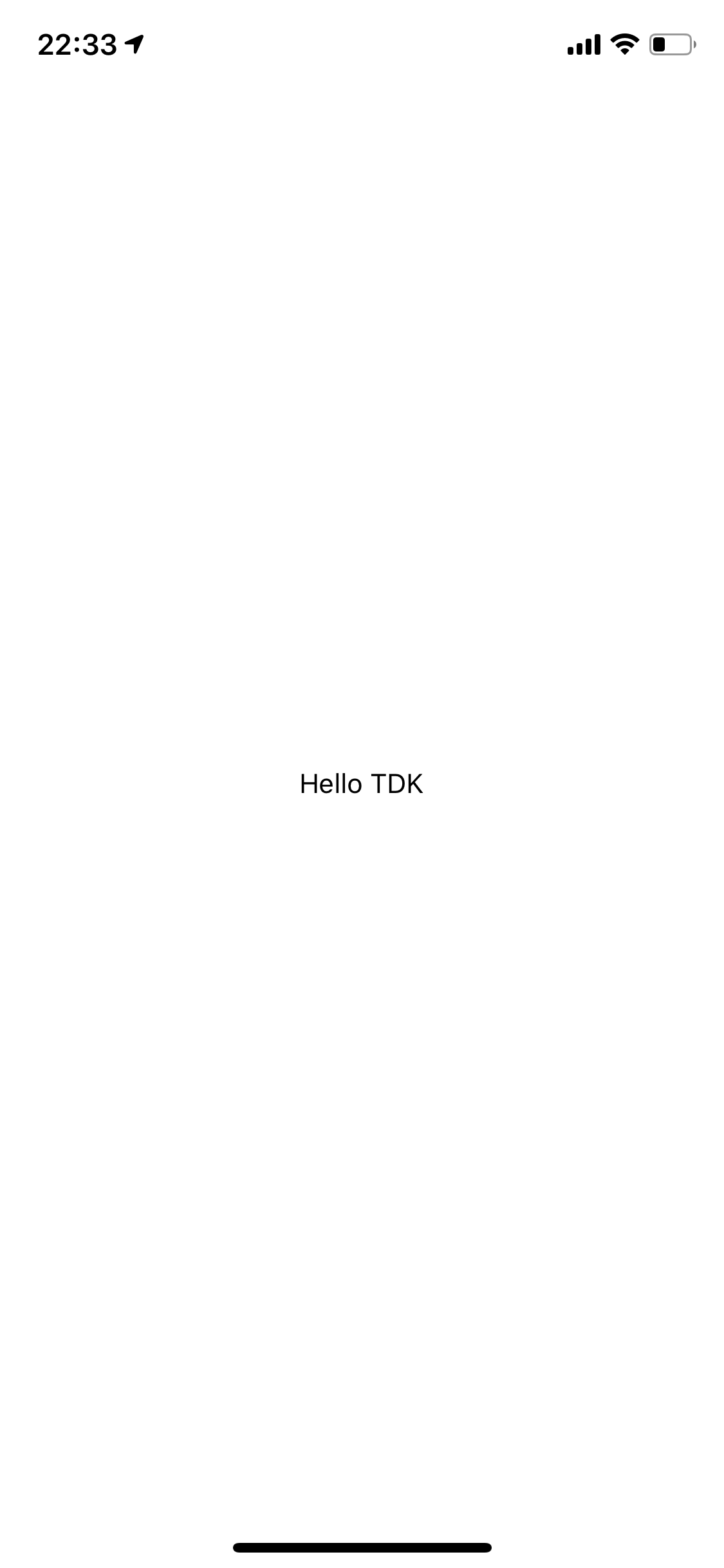
- Update 'src/App.js' file: replace 'Edit src/App.js and save to reload.'' by 'Hello <yourname>'
1.1.2 Screenshots: