React Redux, Client-Server Communication and Fetch
Instruction In this assignment, you will update the web application to get data from the server to render the information corresponding to the leadership team of the company. In addition, you will handle the submission of the feedback form by posting the feedback to the server.
Assignment Overview At the end of this assignment, you should have completed the following:
- Introduced new action types and action creators to support the fetching of the leaders information from the server and update the Redux store.
- Updated the Home and the About component to render the information about the leaders using the downloaded data from the server
- Add simple animations to the About component where the leaders information is displayed.
- Enabled the users to submit feedback through the feedback form by creating a new feedback service that accepts the form data and uses Restangular to record their feedback on the server.
Assignment Requirements
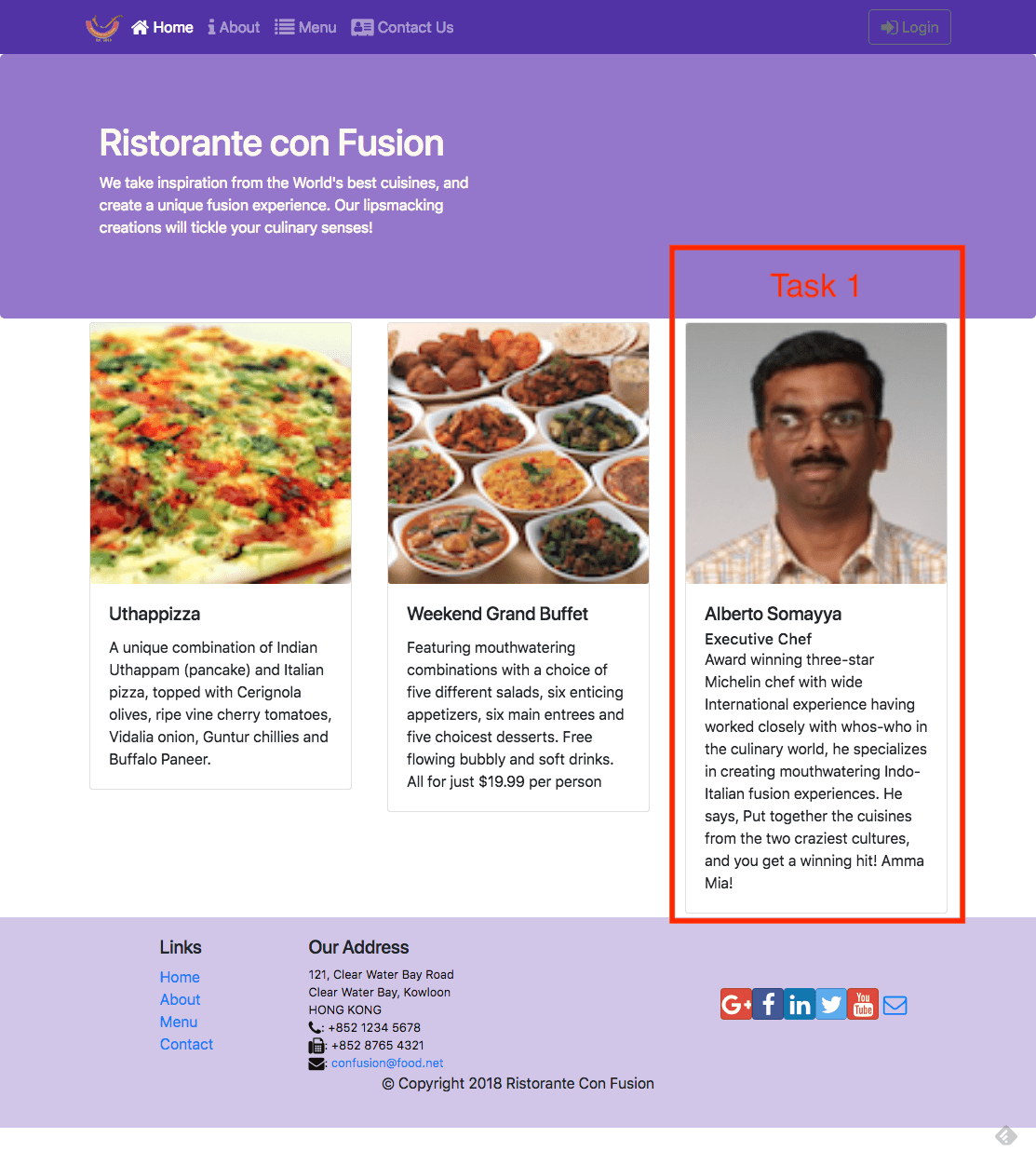
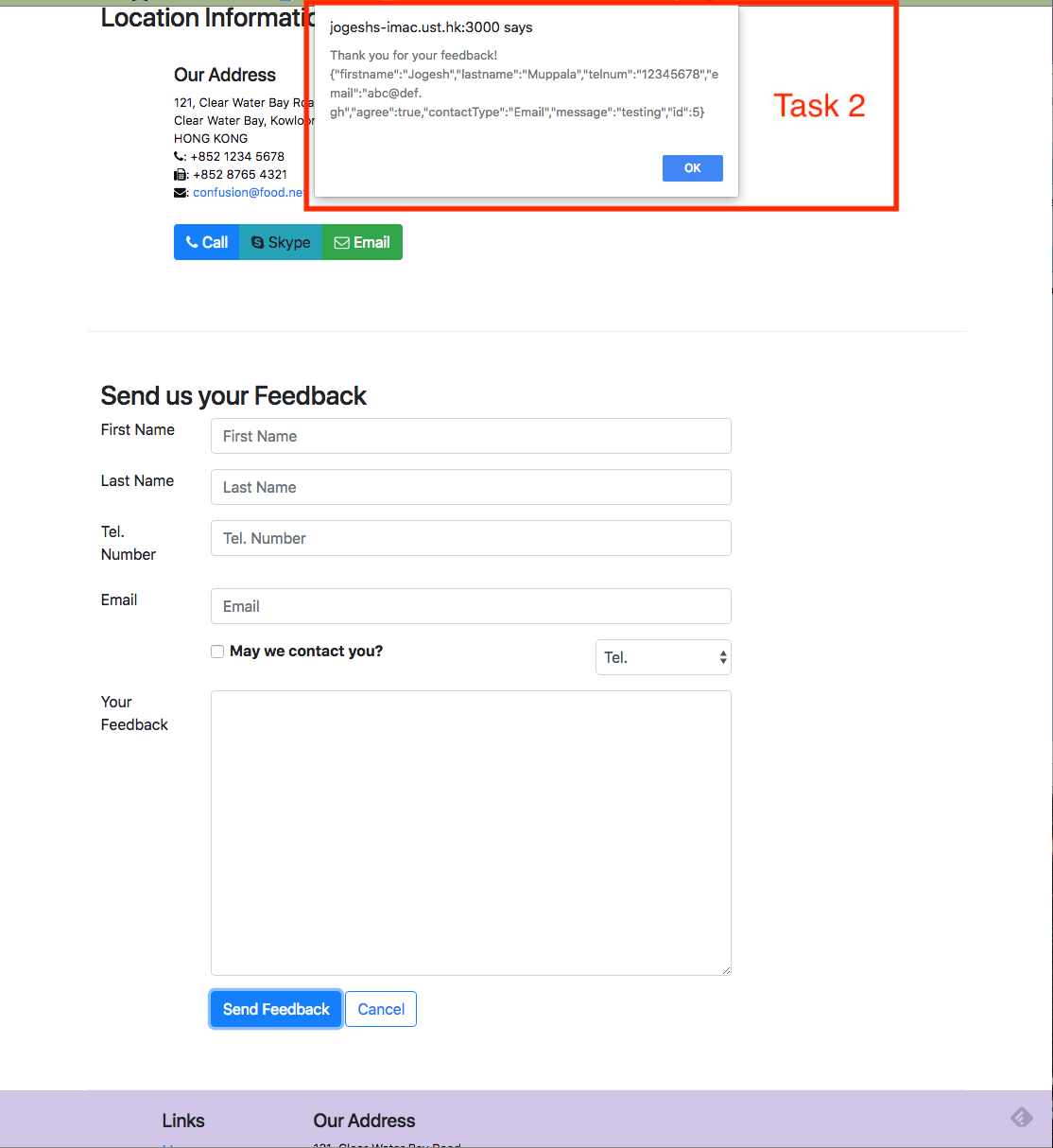
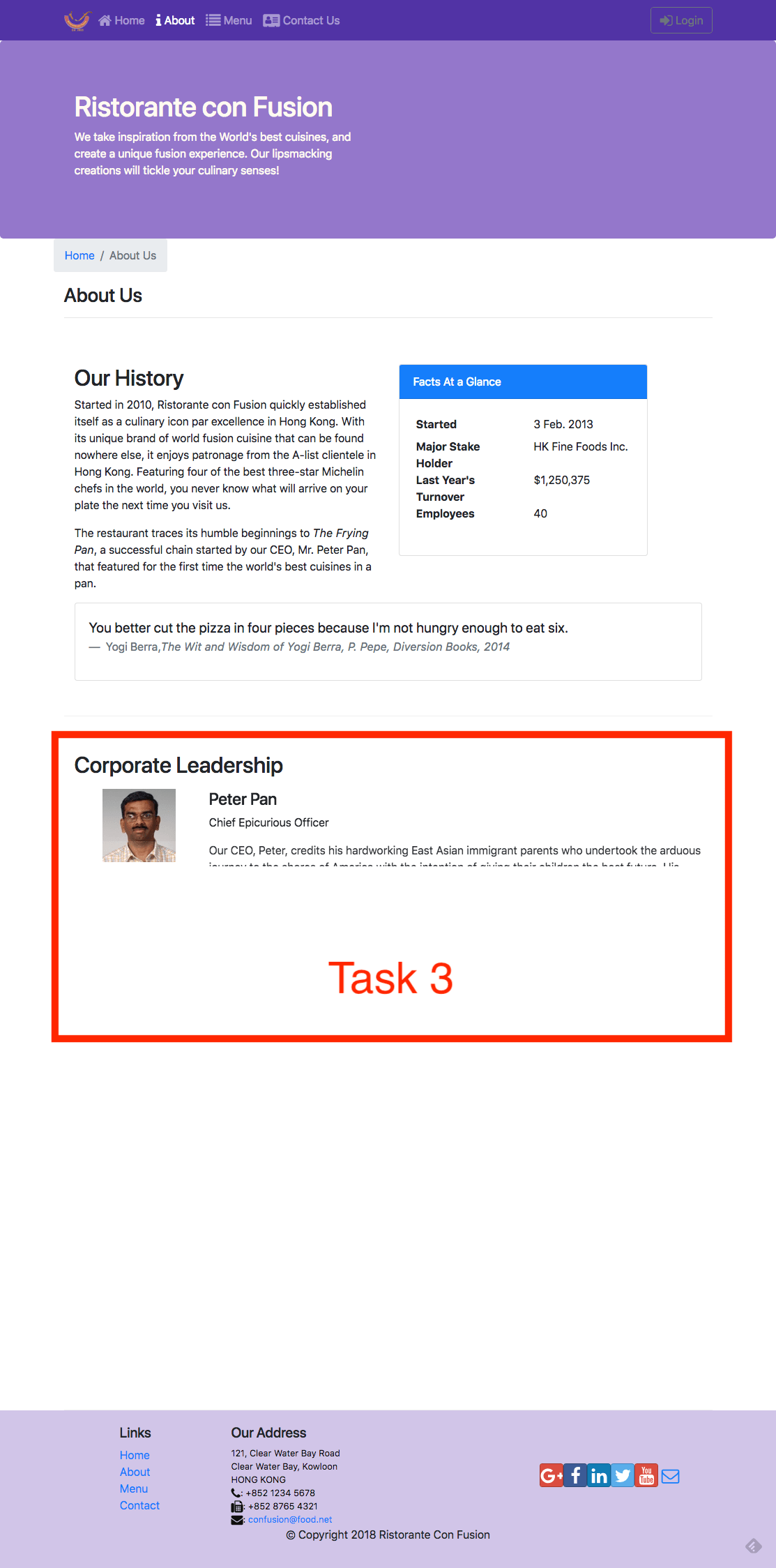
This assignment requires you to complete the following tasks. Detailed instructions for each task are given below. The picture of the completed web page included below indicates the location within the web page that will be updated by the three tasks.
Task 1
In this task, you will update the Redux actions and the Home and About components to use the data from the server for rendering the leader information:
- Add new action types in ActionTypes.js to support the fetching of the leaders information from the server
- Add new action creators in ActionCreators.js to enable the fetching of the leaders information from the server and update the Redux store
- Update the code in leaders.js to respond to the dispatched Redux actions and update the Redux store and appropriately handle the loading and errors.
- Update the code in MainComponent.js to fetch and use the leaders information.
- Update HomeComponent.js to render the leader information.
- Update AboutComponent.js to render the leaders information. You should handle the loading and error condition appropriately.
Task 2 In this task, you will enable the saving of the feedback data submitted using the feedback form in the Contact component. You will save the feedback form data submitted by the user to the server:
- Implement a new action creator named postFeedback() that takes a Feedback object as a parameter and submits the feedback to the server using Fetch. Recall that the feedback data is accessible at http://localhost:3001/feedback on the json-server.
- Update MainComponent.js to make the new dispatch method postFeedback() available to ContactComponent.
- Update the ContactComponent.js to submit the form data using the postFeedback() method by passing the feedback form data.
Task 3 In this task you will use simple animation using react-animation-components to enable a staggered rendering of the list of leaders in AboutComponent:
- Use the expand animation that we have already used earlier to judiciously apply animation to the various stages of the form submission.